View cart and click on the Select Payment Options button.
If you are a returning customer and have already created an account, use the Returning Customer login. If not, use the Check Out as Guest by entering your UC Davis email.
Next, select your shipping method. Please note that the Pick-up In Store option is free. Click Save & Continue.
Fill out the shipping information even if you are choosing Pick-up In Store. Click Save & Continue.
Choose your payment method, in this case Credit Card.
Fill out the credit card information. Click Save & Continue.
The Place Order button on the right will turn blue. Click to complete your purchase.
An Email confirmation will be sent to the email you added in number 4 above.
You will receive an email once the order has been fulfilled and is ready for pick up or has been shipped with tracking information.
View cart and click on the Select Payment Options button.
If you are a returning customer and have already created an account, use the Returning Customer login. If not, use the Check Out as Guest by entering your UC Davis email.
Next, select your shipping method. Please note that the Pick-up In Store option is free. Click Save & Continue.
Fill out the shipping information even if you are choosing Pick-up In Store. Click Save & Continue.
Choose your payment method, in this case Department Recharge Via COA.
Please enter your GL or PPM CoA and click the button below the account next to the following statement “NOTE: Be sure to enter the Complete Chart of Accounts (GL or PPM) to purchase items from our website.”
Please include the building number, contact name and phone number in the comments field.
The Place Order button on the right will turn blue. Click to complete your purchase.
An Email confirmation will be sent to the email you added in number 4 above.
You will receive an email once the order has been fulfilled and is ready for pick up or has been shipped with tracking information.
Credit Card Purchases
Credit or P-card purchases are available at all UC Davis Stores locations.
Pick the items you wish to purchase and take them to any cashier.
When asked if you would like a receipt please say “yes” as you will need it for the reconciliation process in AggieExpense.
Department Recharge Via CoA (Chart of Accounts)
CoA recharges are only available at the main Campus Store if you are doing the transaction in person.
Stop by the Guest Services desk to pick up the Department Purchase order Form (DPO). Fill out the CoA information and return the form to the cashier.
Pick the items you wish to purchase and take them back to the Guest Services desk to be checked out.
When asked if you would like a receipt please say “yes” as you will need it for the reconciliation process.
Campus departments wishing to purchase Apple or Windows computers should visit our Department Tech Orders page.
Name Badges and Campus Calendars for UC Davis Staff
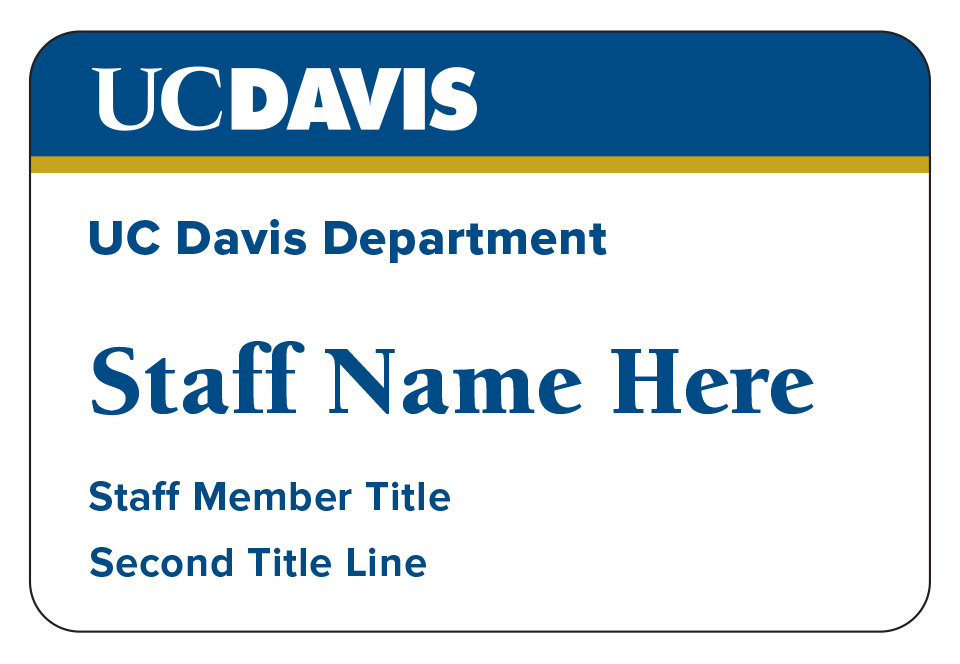
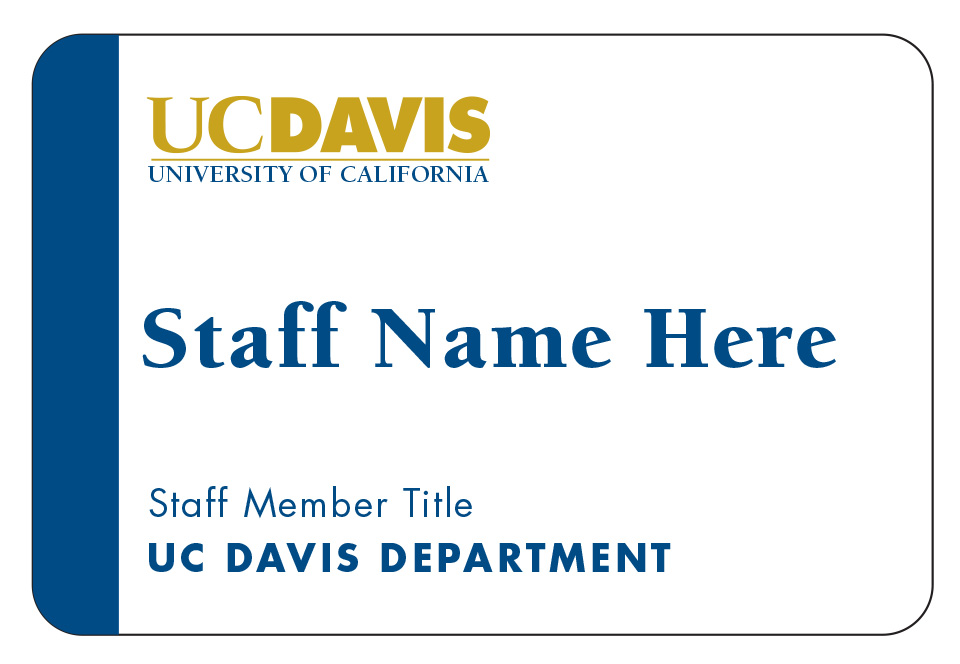
UC Davis Stores provides departments with the option to order name badges and campus calendars for their employees. Please submit your request via email with your contact information, including full name, phone number and email address to [email protected]. A staff member will respond within 2 business days. For employee name badges, you may choose from the two designs shown below (please specify your preference when ordering).
Badge Design #1
Badge Design #2
Standard name badge fields (may) include the following and are limited to the following parameters:
Division or Department name (10.5 pt Proxima Nova medium)
First and last name (20-24 pt Berkeley Black or Proxima Nova Extra Bold)
(Optional) Pronouns* (10.5 pt Proxima Nova Regular)
Department or program name: (10.5 pt Proxima Nova Bold)
Title (10.5 pt Proxima Nova Regular)
In order to fit “long” Department Names, Program Names or Titles we are able to reduce the type size for those fields to 9 point text (if needed) to optimize for the maximum number of characters. Due to accessibility and readability issues, we are not able to print on name badges in a type size smaller than 9 point in the fonts listed. Adding departmental “lockups” or “logos” to your badge may inhibit our ability to fit all fields with your desired text and may require editing. We will advise if certain lines of text are too long and ask you to edit prior to altering your text or entering production.
* We follow the published recommendations of the UC Davis LGBTQIA Resource Center for formatting personal pronouns. If choosing to list your pronouns, please advise if you wish to proceed your pronouns with the word “Pronouns” e.g. “They/Them/Theirs” or “Pronouns: She/Her/Hers”.
Custom badges:
Custom badges are available but will require a one-time setup fee of $50. If you wish to include campus-approved departmental logos or lockups they need to be submitted to us in vector graphic format only (.EPS or Adobe Illustrator (.AI) files).
Departments receive a 10% discount on select items at the store. Gift cards, Campus Produced, Textbooks, and computer products are exempt. Bulk orders may be eligible for larger discounts. Please email [email protected] for more information.
Departments will be charged the “department sales tax rate” on any order that is taxable. The “department sales tax rate” is less than the 7.25% campus sales tax. Department tax rate is updated every August and can also be updated if there is a state or county wide tax change.